
Open, convert, and analyze HP Tuners HPL datalogs — right in your browser.
Open HP Tuners .hpl and Holley EFI .dl logs (plus CSV and MoTeC) with no VCM Scanner or Holley software and nothing to install — even on your phone. Analyze, compare, and save your setups from any device.
The only place to open an HP Tuners HPL file directly on your phone — no VCM Scanner, nothing to install.
Open your HP Tuners logs anywhere — even on your phone
AllDataLogs opens and converts HP Tuners .hpl logs right in the browser — no VCM Scanner, no desktop install. It’s the only place to open an HPL file directly on your phone, out in the shop or at the track.
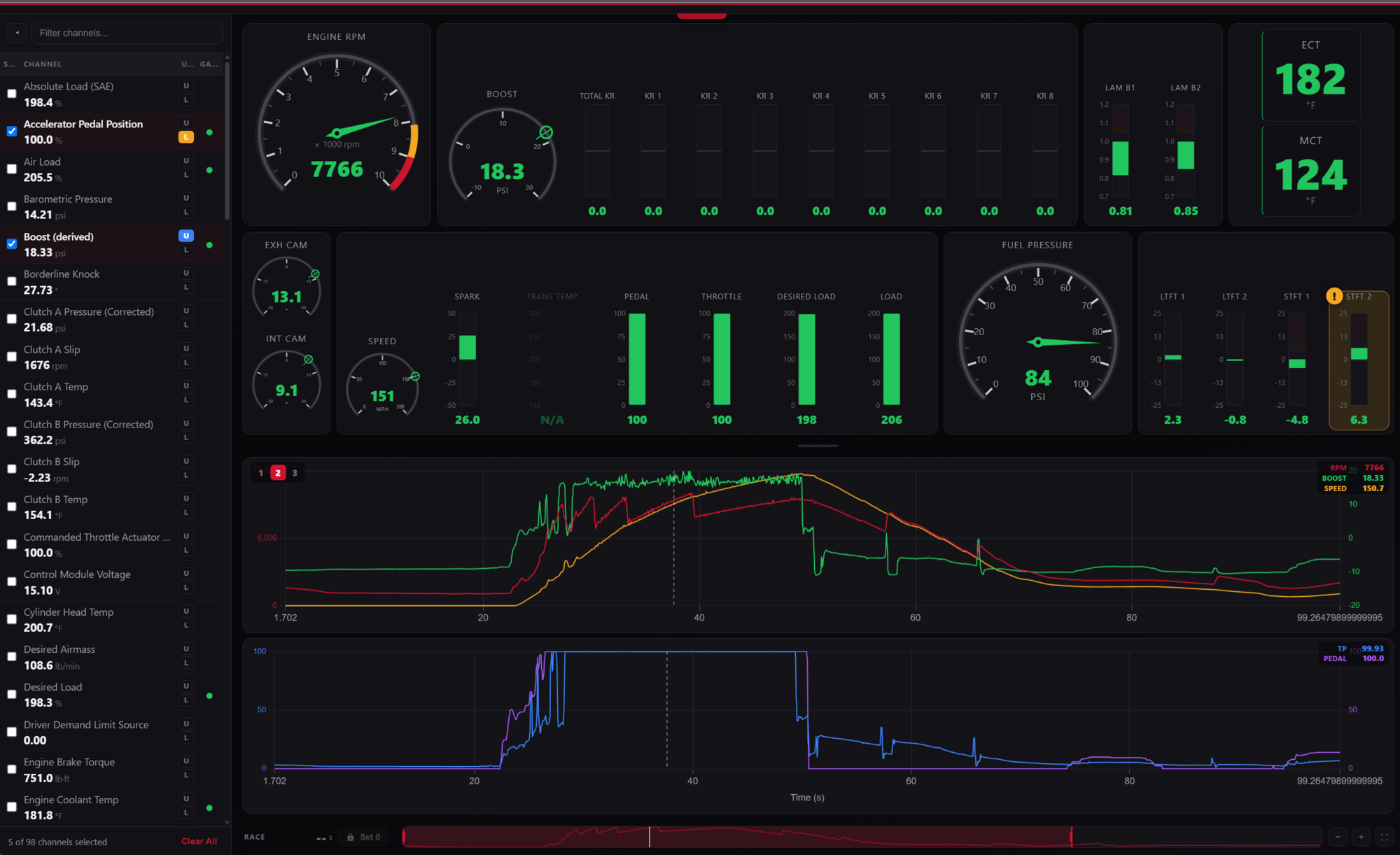
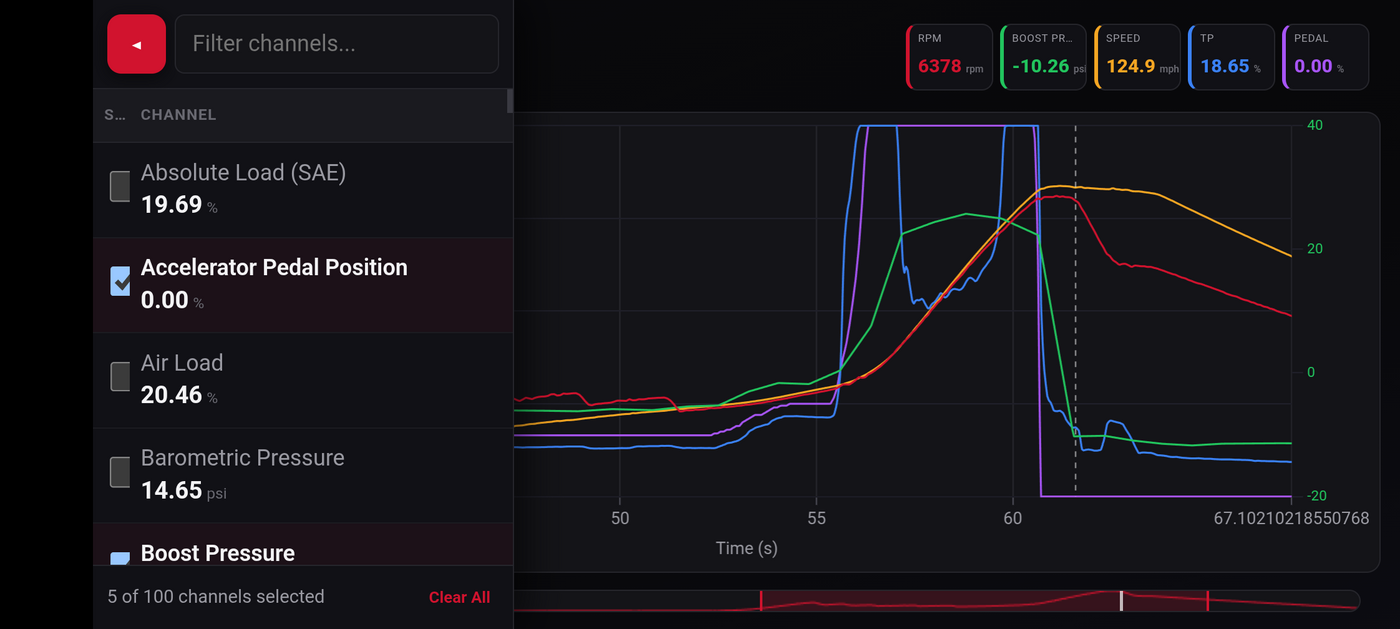
Works in any modern mobile browser today — nothing to install. Native iOS & Android apps are on the way.
One place for every automotive datalog
Built for HP Tuners users first — open, convert, view, analyze, compare, and organize your logs right in the browser, on any device, with more logging platforms on the way.
Open HPL on your phone
Open HP Tuners .hpl logs directly in your phone’s browser — the only tool that lets you do it. No VCM Scanner, no laptop.
Convert HPL, Holley & MoTeC to CSV
Open HP Tuners .hpl, Holley .dl, MoTeC .ld logs and chassis dyno .TRB runs, and export clean CSV — no desktop software required.
Race Time Pro
Set a zero point anywhere in a log — a launch, a spool-up, a shift — and analyze everything relative to that moment.
Compare runs Pro
Line up multiple HP Tuners pulls to see exactly what changed between tunes.
Save your setup Pro
Save viewer layouts, channel presets, and vehicle-specific mappings, and open them from any device.
Runs in your browser
Everything happens locally — your log never leaves your device unless you choose to save it.